
Description
Microsoft Xbox Wireless Adapter for Windows 10 Price in Kenya
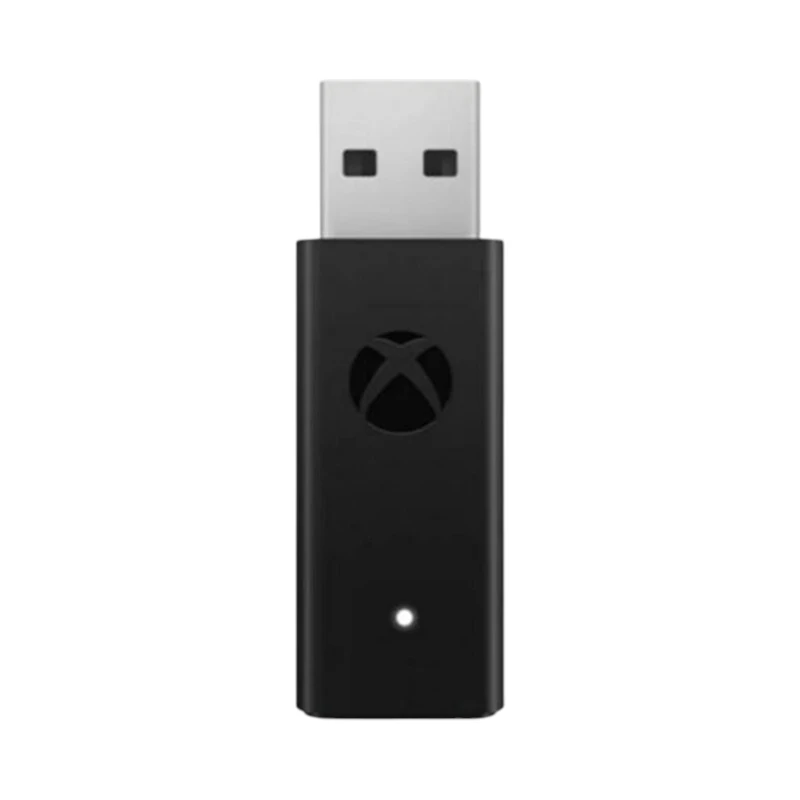
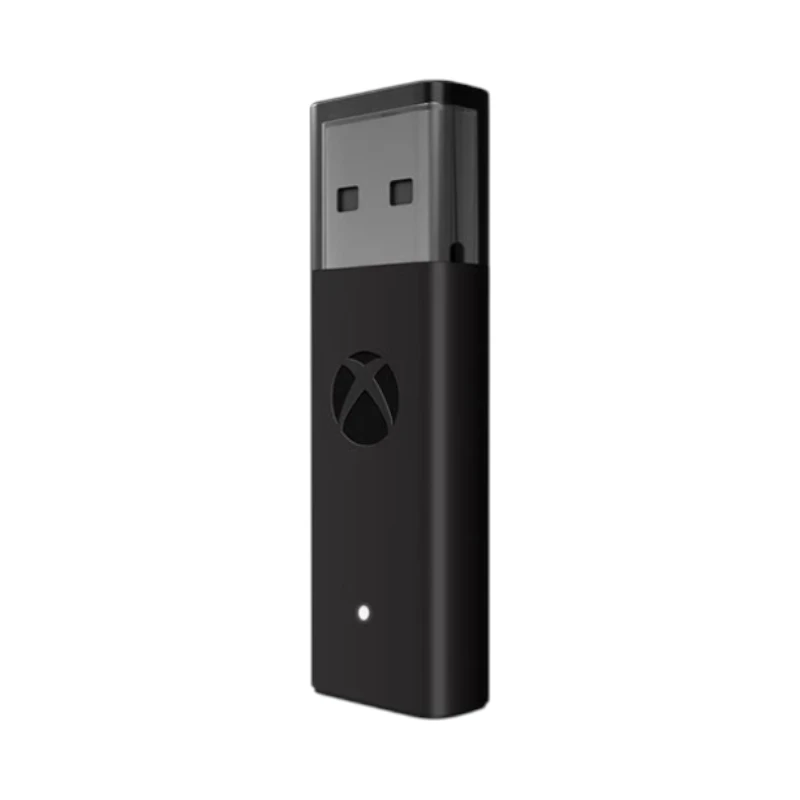
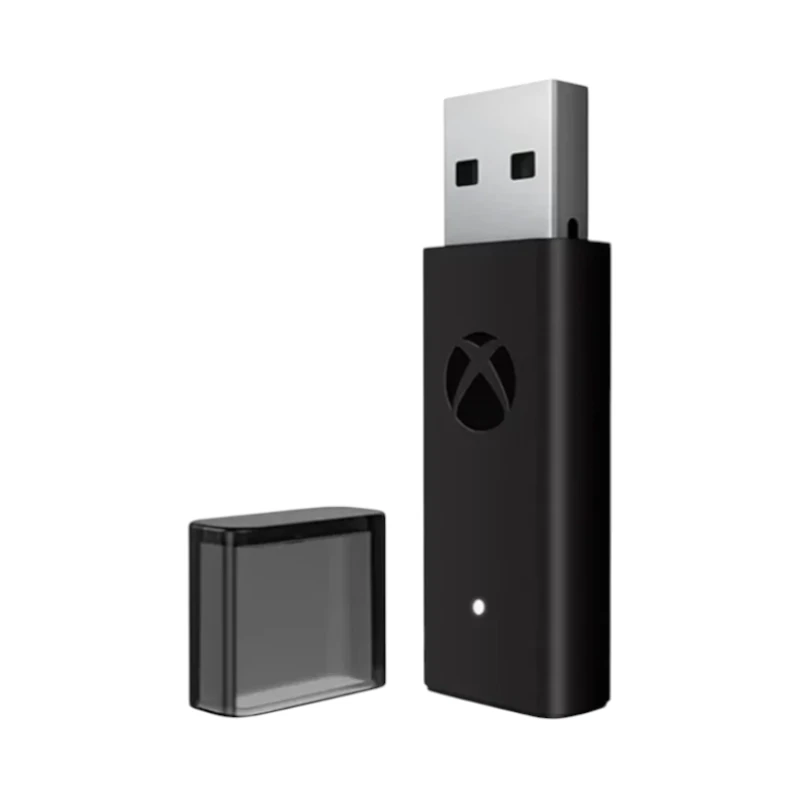
Microsoft Xbox Wireless Adapter for Windows 10 Price in Kenya starts at Ksh. 7,000. The Microsoft Xbox Wireless Adapter for Windows 10 is an official accessory that enables seamless connection between your Xbox wireless controllers and your Windows 10 PC or tablet.
Designed by Microsoft for low-latency, reliable wireless communication, this compact USB-A adapter lets you play your favorite PC games using an Xbox Wireless Controller; including dual controllers for multiplayer, without the need for cables or Bluetooth pairing.
Microsoft Xbox Wireless Adapter for Windows 10 Specifications
| Specification | Details |
|---|---|
| Product Name | Microsoft Xbox Wireless Adapter for Windows 10 |
| Connectivity | Xbox Wireless Protocol |
| Compatibility | Windows 10, Windows 11 PCs & tablets |
| USB Interface | USB 2.0 / USB 3.0 (USB-A) |
| Wireless Range | Up to ~30 feet (~9 meters) |
| Controller Support | Xbox Series X |
| Multi-Controller Support | Up to 8 wireless controllers |
| Button Pairing | Dedicated pairing button |
| LED Indicator | Yes (status indicator) |
| Dimensions | Compact USB dongle size |
| Weight | Lightweight portable adapter |
| Package Includes | Xbox Wireless Adapter, Quick Start Guide |
Design & Performance
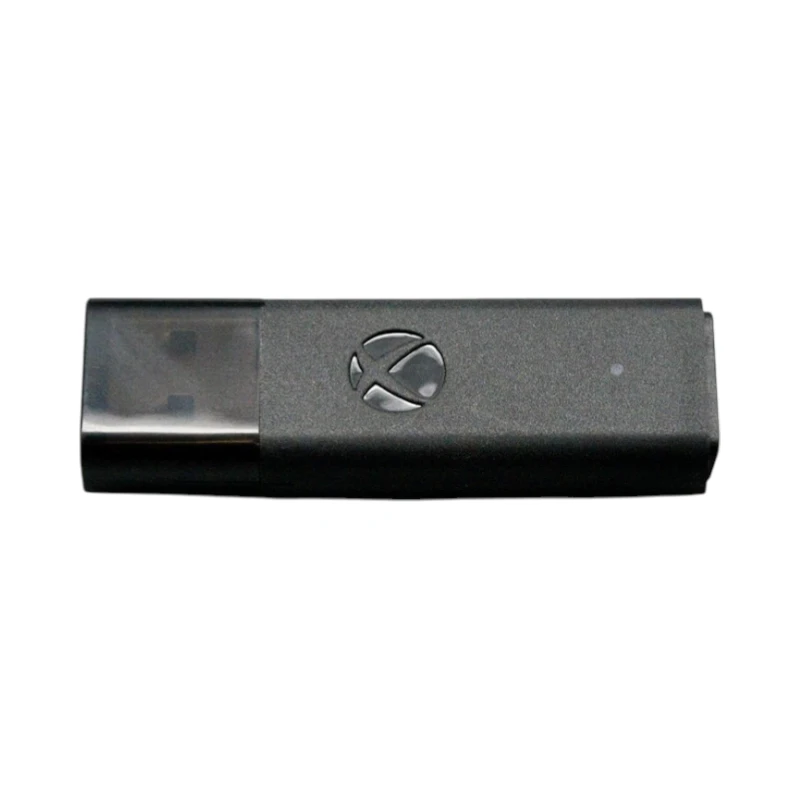
The Microsoft Xbox Wireless Adapter for Windows 10 features a compact USB-A dongle design that fits into your laptop or PC without blocking adjacent ports. It uses the proprietary Xbox Wireless protocol to deliver low-latency, reliable controller input, making it ideal for gaming sessions where responsiveness matters. Because it works independently of Bluetooth, it offers stronger connections and supports more controllers simultaneously.
Connectivity & Compatibility
The Microsoft Xbox Wireless Adapter for Windows 10 connects your Xbox wireless controllers to your Windows 10 or Windows 11 PC without the need for wires, Bluetooth, or additional software (drivers install automatically through Windows Update). Once plugged in, simply press the pairing button on the adapter and the controller to sync them in seconds. You can pair up to 8 controllers at once, enabling multiplayer gaming with friends.
Compatible controller models include Xbox Series X|S controllers, Xbox One controllers with the updated wireless protocol, and Xbox Elite Wireless Controllers (1st and 2nd Gen).
Easy Setup
Setting up the adapter is straightforward:
- Plug the adapter into an available USB-A port on your Windows 10/11 device.
- Allow Windows to automatically install the required drivers.
- Press the pairing button on the adapter and then on your Xbox controller to complete the connection.
- Once paired, your controller will work in supported games and apps that accept controller input.
Box Contents
- Microsoft Xbox Wireless Adapter for Windows 10
- Quick Start Guide
- Documentation



Reviews
There are no reviews yet.